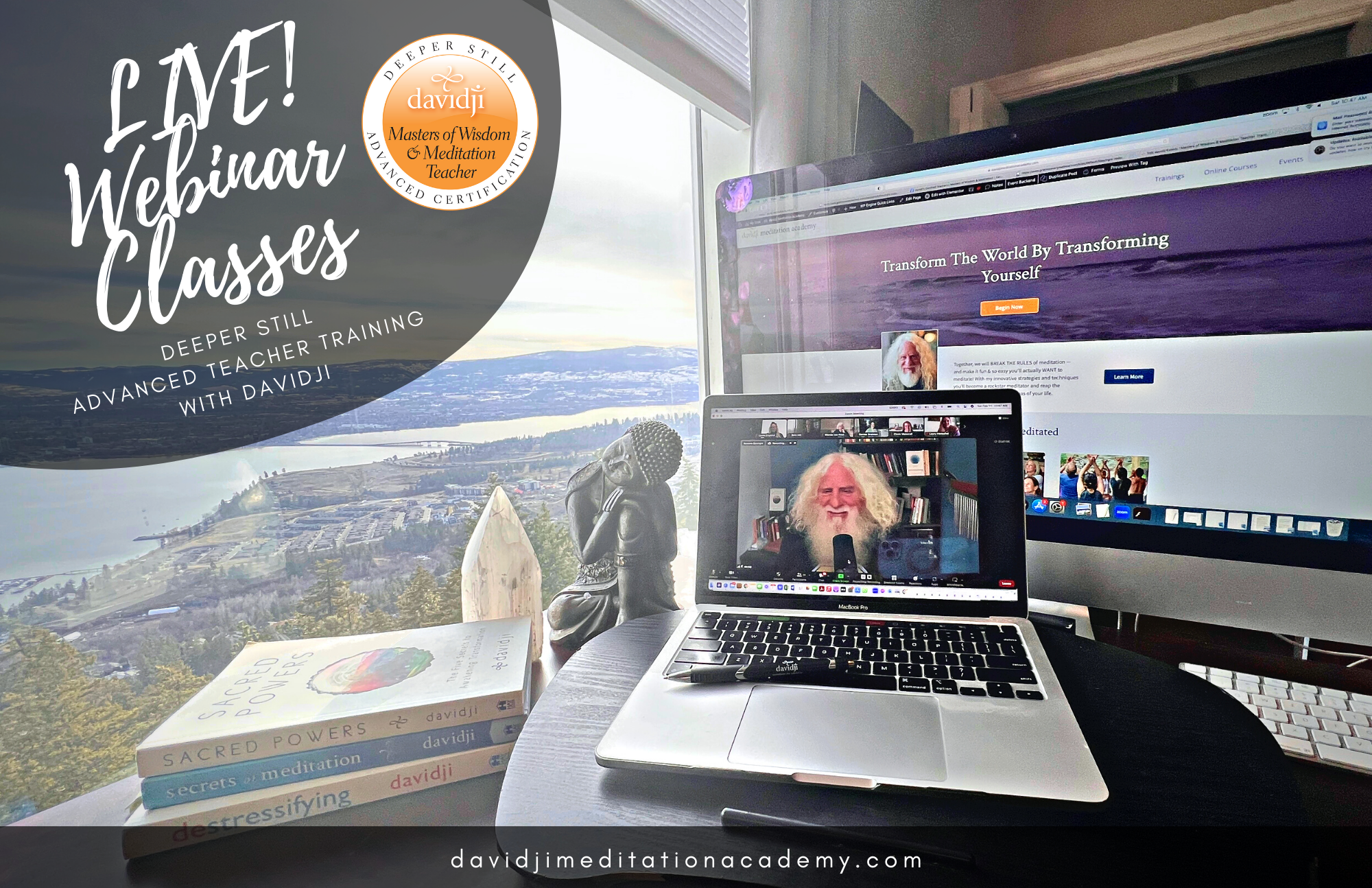
Make note of the login links below and mark your calendar with the dates for each LIVE! Zoom Teacher Training Webinar with davidji. These LIVE Zoom classes are great opportunities to ask questions, go deeper into philosophy, and share your challenges and triumphs.
Each webinar will be recorded so that if you are unable to attend live, don’t worry – you can watch it later or revisit it any time you like during the training. We will send out the recording to everyone after the session and post the link here as well so you may view it at a more convenient time. But we also encourage you to attend the webinars if you can. If you need to arrive late or leave early, it’s okay.
If you experience trouble accessing the webinars, please visit the Zoom help section of their website for troubleshooting advice at https://support.zoom.us/hc/en-us
To connect to the class each week, use the following Zoom link
Date: Every Sunday until January 31, 2027
Time: 9:00 am – 10:30 am PST
Zoom Link:
Meeting ID:
Passcode: davidji
Webinar Recordings
WEEK ONE
Sunday, November 29, 2026 Recording: Will be Posted Here
WEEK TWO
Sunday, December 6, 2026 Recording: Will be Posted Here
WEEK THREE
Sunday, December 13, 2026 Recording: Will be Posted Here
WEEK FOUR
Sunday, December 20, 2026 Recording: Will be Posted Here
WEEK FIVE
No Webinar this week We will meet for the 7 Day Series instead
WEEK SIX
Sunday, January 3, 2027 Recording: Will be Posted Here
WEBINAR SEVEN
Sunday, January 10, 2027 Recording: Will be Posted Here
WEBINAR EIGHT
Sunday, January 17, 2027 Recording: Will be Posted Here
WEBINAR NINE
Sunday, January 24, 2027 Recording: Will be Posted Here
WEBINAR TEN
Sunday, January 31, 2027 Recording: Will be Posted Here
Immersion & Certification / Graduation Seesions
DAY ONE
Thursday, February 11, 2027 Recording: Will be Posted Here
DAY TWO
Friday, February 12, 2027 Recording: Will be Posted Here
DAY THREE | GRADUATION DAY
Saturday, February 13, 2027 Recording: Will be Posted Here
POST CERTIFICATION WEBINAR
TBA Recording: Will be Posted Here
Need Help?
Email Connection
If you are having trouble accessing the webinars, please refer to the ZOOM Q&As below, or visit the help section of the ZOOM website for information and advice. Getting Started Videos
What are the optimum computer requirements for using Zoom?
Internet Speed:
For best results, an internet connection speed of 10mbps or higher is preferred (test your speed here)
A slower connection of 5mbps or higher should work, but video quality may be low
If experiencing poor video or audio quality while using wifi, try a wired Ethernet connection — that is, a cable directly from your modem or router to your computer
Computer hardware:
A Windows, Mac or Linux computer produced within the last 5 years
A working internal microphone, or a dedicated stand-alone microphone separate from the computer
A working built-in camera, or a stand-alone camera such as a Logitech webcam
How do I find out my internet connection speed? Visit www.speedtest.net and click Go.
How do I turn my video on or off? Click the Video icon (shaped like a camera) in the lower left corner of the Zoom screen. If you turn your video off, you will still be able to hear the audio portion of the event but the other participants won’t be able to see you. To become visible onscreen again, click the icon again to turn on your camera.
How do I change my view of the speaker? Click on the icon in the upper right hand corner of the Zoom screen to toggle between Speaker View and Gallery View. Speaker view allows you to see the person that is speaking as a larger image and rotates with whoever has the floor. Gallery View allows you to see one large view with up to 25 smaller screens of your fellow participants.
My audio isn’t working Troubleshoot your audio issue using Zoom’s audio help guide. You might also try leaving the event and rejoining it, making sure you click the green button that says Join Audio Conference by Computer. You could also try joining the event on a different device.